Gemini can now operate your Mac apps and files for you
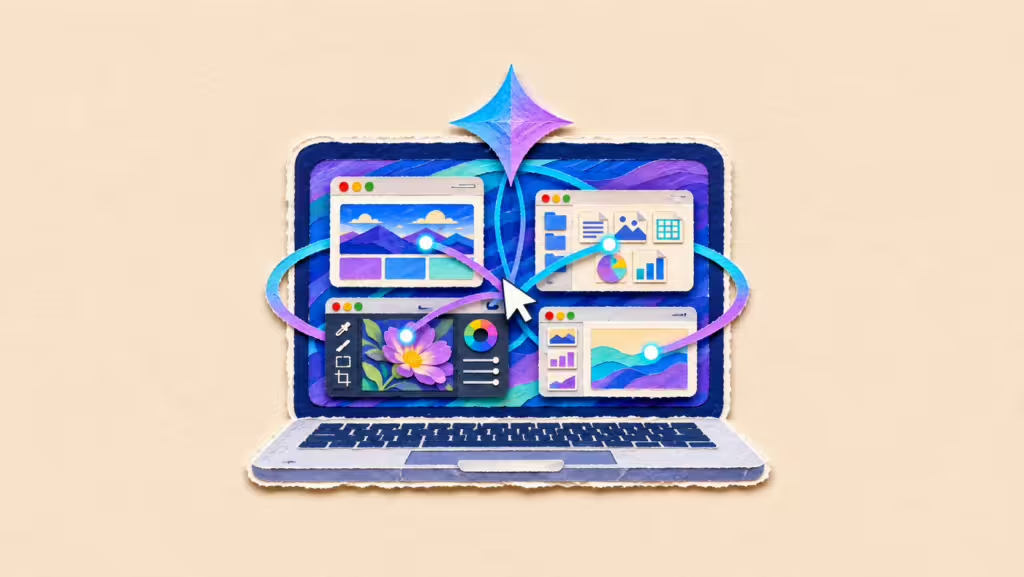
Google’s Gemini app for Mac can now carry out multi-step tasks across local files, desktop apps and websites on its own, the company said, handling the clicking, typing, menu navigation and form entry a user would otherwise do manually.

· Originally published by ontime+ · Last verified: 20 Nov 2026
Key Points
- Google launched computer use in the Gemini app for Mac, letting it click, type and fill forms autonomously.
- Gemini runs tasks in an isolated background window, leaving the user's main screen and cursor free.
- The rollout is limited to English in the United States, narrowing the feature's initial reach.
The latest:
Google’s Gemini app for Mac can now carry out multi-step tasks across local files, desktop apps and websites on its own, the company said, handling the clicking, typing, menu navigation and form entry a user would otherwise do manually. Google said the feature targets repetitive work that normally takes dozens of clicks. It is rolling out in English in the United States.
Details:
- How it works: According to Google, the user describes the task in plain language and Gemini executes it across apps and the web. The company said the system operates inside an isolated background window with a live preview shown directly in the chat, so the main screen and cursor stay free for other work.
- The controls: Google said users choose which apps Gemini can access, can watch every step as it happens, pause the process at any point, and must approve key actions before they are carried out. The company described privacy and safety as built into the feature rather than added as settings.
- Creative workflows: Among the uses Google listed is batch color-grading photos inside design software and setting up complex 3D scenes. Blender was shown in the company’s own demonstration, in which Gemini was prompted to take a child’s butterfly sketch, model it and rig it.
- Document handling: Google said Gemini can extract weights, dimensions and addresses from locally stored PDF files and use them to complete multi-box shipping quote forms, replacing manual entry across several fields.
- Dashboards to decks: The company said the feature can pull metrics and screenshots from live dashboards covering multiple regions and assemble them into a presentation in Google Slides, moving data from monitoring tools into a finished document without user intervention.
- E-commerce tasks: Another listed use is batch listing items for sale: Google said Gemini can analyze clothing photos from a local folder, research pricing, log item details and stage listings on resale platforms.
- Availability: Computer use is launching in English in the United States only, inside the Gemini app for Mac, which Google said is available for download at gemini.google/mac. The company did not announce a timeline for other languages, other countries, or other operating systems.
- The announcement: The feature was announced on Nov 19, 2026 by Michael Friedman, group product manager for the Gemini app, in a post published on Google’s official blog. Google did not disclose which Gemini model version powers the agent or any usage limits attached to it.
Background:
Agentic features that let an assistant act inside software, rather than only answer questions, have become the main competitive front among AI developers. Google has been extending Gemini across its own surfaces, including Google Wallet integration and availability on lower-memory Android devices.
Between the lines:
The design choices point to a trust problem Google is pricing in. Running inside an isolated window, requiring per-app permission, and demanding approval before key actions all add friction to a product whose selling point is removing friction. That trade-off suggests the company expects user hesitancy about software that types and clicks on its own, and is willing to slow the experience to contain it.
What’s next
Watch for Google to extend computer use beyond English and the United States, bring it to Windows or mobile, and disclose which model powers it — plus any reported failures or unintended actions once the feature reaches wider use.