Signal blocks iOS 27 and Android AI assistants from reading chats
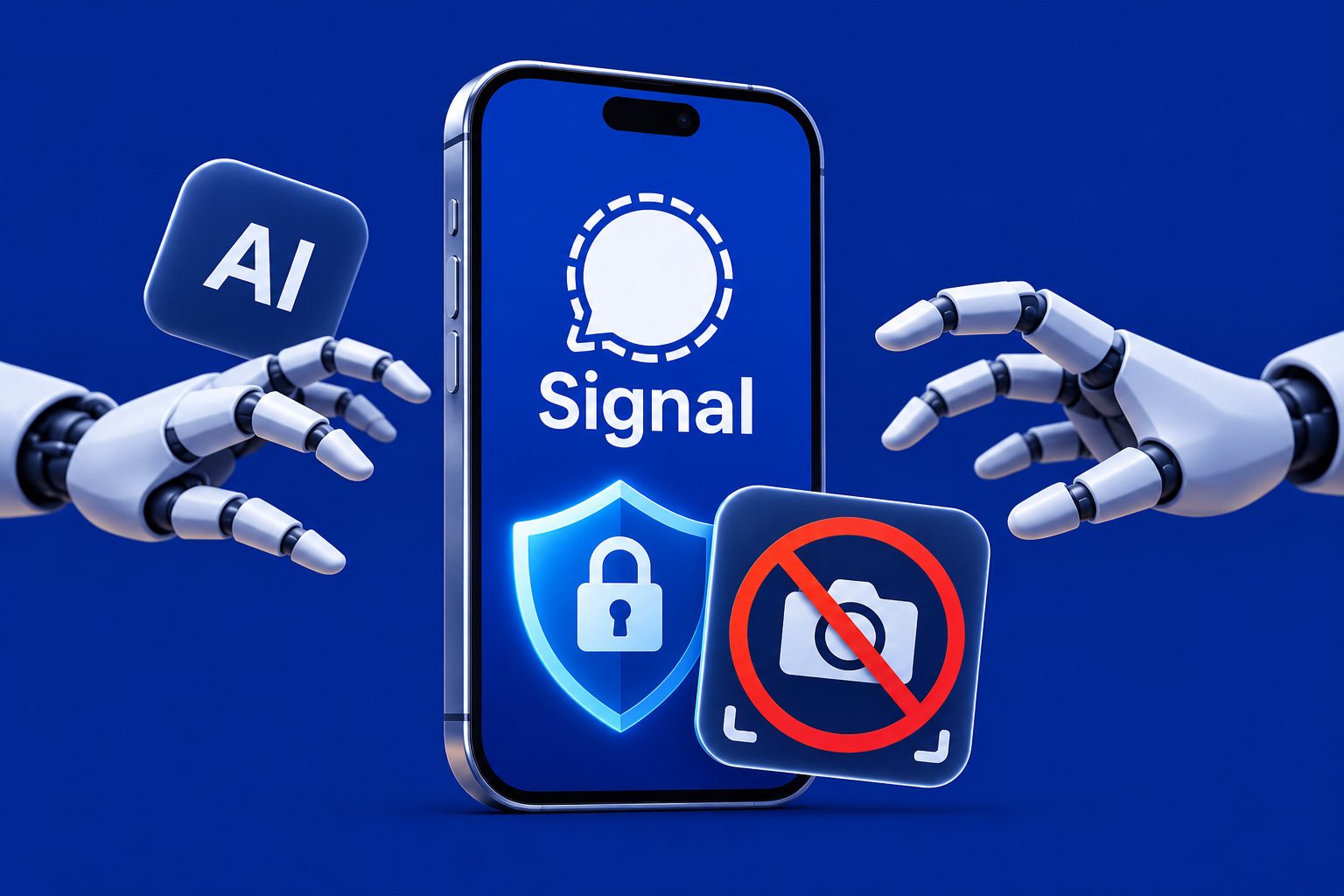
Signal now blocks built-in phone AI agents from capturing or storing its screen data by default.

· Last verified: 23 Nov 2026 (Signal blog (Meredith Whittaker))
Summary
- Signal now blocks built-in phone AI agents from capturing or storing its screen data by default.
- The move extends a change Signal made last year against Microsoft Recall screenshots on Windows 11.
- Signal says the fix is partial, and wants Apple, Google and Microsoft to give developers opt-outs.
The latest
Signal is now restricting the newest AI agents built into phone operating systems from capturing and storing its data, blocking screenshots on iOS 27 and switching on protection on Android whenever it detects an assistant trying to read the Signal screen. Meredith Whittaker, president of the Signal Foundation, set out the change in a blog post published on November 20, 2026.
Details
- What changed: According to the Signal blog, the app blocks screenshots outright on iOS 27, and on Android activates the same protection at the moment it detects an AI assistant attempting to capture screen data. The stated scope is agentic systems built into iOS 27 and the Android versions where such detection is possible.
- The precedent: Signal says the step builds on a change it made last year on Windows 11, when it blocked Microsoft Recall screenshots by default. That earlier move targeted a system feature that periodically captured the screen; the new one targets operating-system AI agents reading app content live.
- User control: The blocking is not mandatory. Signal says users can turn it off from the app's settings, under the option named Block Siri AI on iOS and Screen security on Android, leaving the choice with the user rather than enforcing it at the platform level.
- Android limits: A footnote in the post says Signal cannot cover every Android device, because many manufacturers provide no reliable way to detect a screenshot attempt when screenshots are already disabled. Signal instead detects the assistant's access to the screen and enables Screen security automatically.
- macOS gap: Signal says it does not block Siri AI on macOS because it cannot reliably block screenshots there. On macOS 27 it recommends users add Signal manually to the Excluded Apps list under System Settings, then Siri.
- An incomplete fix: The post states the remedy is itself partial. Restricting screenshots does not address quieter routes by which AI agents may reach app data, including retrieving content already stored on the user's device through the file system.
- Demands on platforms: Signal is asking Apple, Google and Microsoft for an easy, well-documented way for developers to opt their apps out of AI data access and processing, plus better documentation and technical specifications for how these agents operate.
- Whittaker's framing: The Signal Foundation president said the net result is that "these AI capabilities in the operating system are undermining Signal's ability to independently guarantee privacy." The post also argues confidential computing does not address these underlying concerns.
- Cited examples: The post points to Meta's Muse agent and to the exploitation of accessibility permissions as illustrations of how agentic systems can reach into application data on a device.
Between the lines
Signal's own account describes a pattern rather than one fix: Windows Recall last year, iOS 27 and Android now, macOS still uncovered and left to a manual user setting. The company says screenshot blocking misses file-system retrieval, which is why its demands target documented developer opt-outs from the platform makers rather than further workarounds of its own.
What's next
Whether Apple, Google or Microsoft respond with a documented opt-out mechanism for developers, and whether Signal extends blocking to macOS once reliable screenshot protection becomes possible there.
Source: Signal blog (Meredith Whittaker)