Anthropic lets Claude artifacts install as Mac and Windows apps
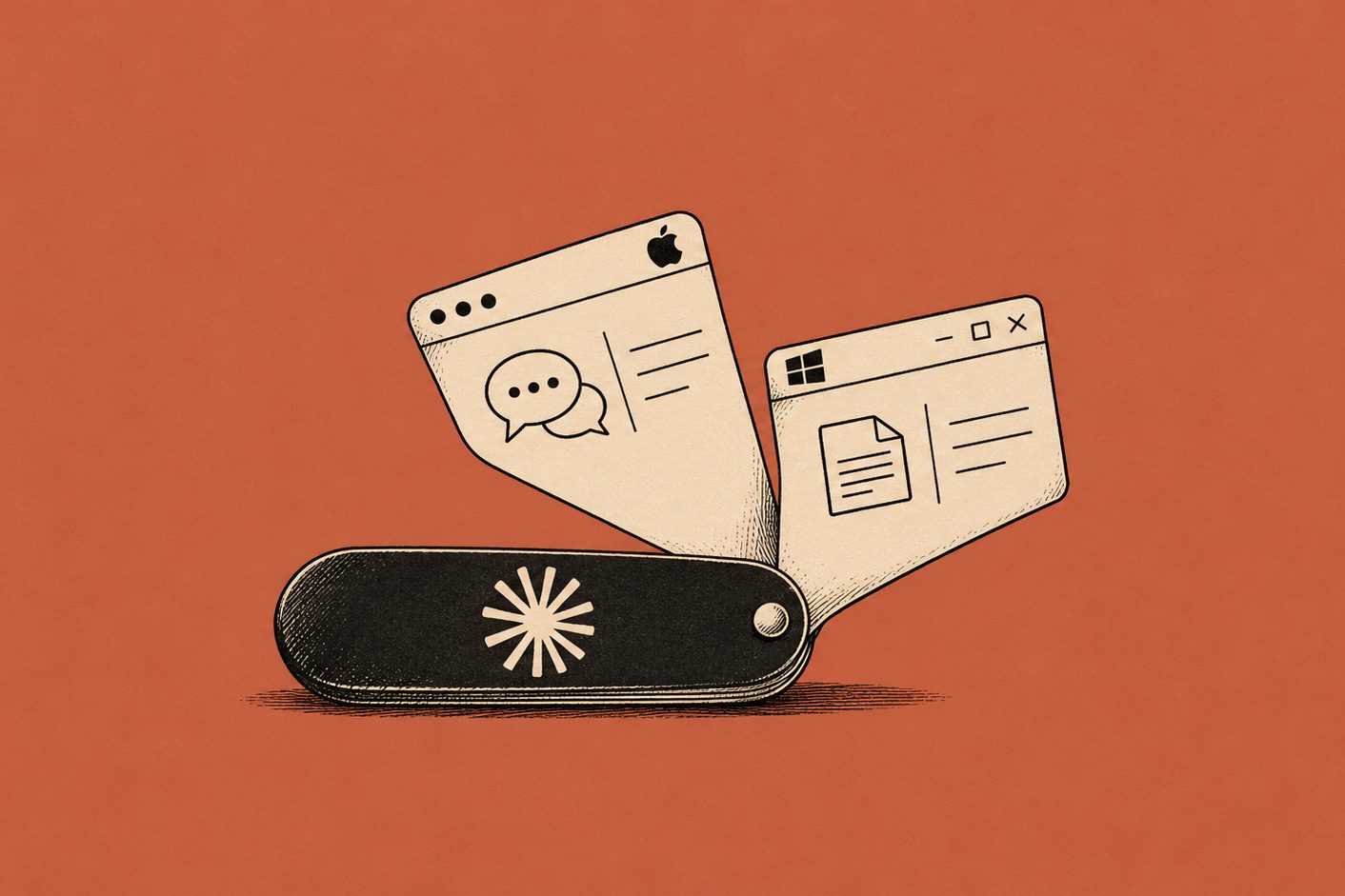
Anthropic opened a beta turning Claude artifacts into desktop apps on Mac and Windows.

· Last verified: 25 Nov 2026 (Anthropic (claude.com))
Summary
- Anthropic opened a beta turning Claude artifacts into desktop apps on Mac and Windows.
- Installed apps get their own icon, window, notifications and optional full access to the computer.
- Anthropic says it does not review apps before installation, placing trust on users and organizations.
The latest
Claude users can now install artifacts as standalone desktop applications on Mac and Windows, Anthropic said in a product update published on claude.com on 24 November 2026. The beta gives an installed artifact its own icon and window, lets it send notifications and sit in the menu bar or system tray, and allows up to full access to the user's computer with permission.
Details
- How it works: Anthropic said the flow requires updating the Claude desktop app for Mac or Windows, opening an artifact, then selecting Install as app from the Share menu. The company said no packaging, signing, API key or separate login is needed, and apps update automatically when the original artifact is edited.
- Permission tiers: According to Anthropic, installed apps run on three levels: a default limited to browser capabilities; app permissions covering always-on-top windows, global shortcuts and notifications; and full computer access, which can run programs and read, modify or delete files without asking each time.
- Permission resets: Anthropic said consent covers only the current version, so Claude asks again after every update, including edits made by the user. The company noted that parts of an app loaded from another website may change without triggering a new permission request.
- Who gets full access: Full computer access is restricted to apps the user built themselves, Anthropic said, or, on Team and Enterprise plans, to apps built by people inside the same organization. The company stated it does not review apps before they are installed.
- Plan availability: The beta is available on all plans, according to Anthropic. On Team it is on by default with full access disabled; on Enterprise it stays off until the owner enables it. Users must be online and signed in.
- Excluded customers: Anthropic said organizations configured for HIPAA and hybrid deployments cannot use the feature. The company did not describe any timeline for extending it to those deployments.
- What cannot install: Some artifacts are excluded from installation, Anthropic said, naming Claude Docs, Slides and Sheets among them.
- Usage and limits: Requests made by installed apps count against the usage limits of the user's plan, according to Anthropic. The apps can also use Claude itself and connectors, extending them beyond a static local window.
- Showcase apps: Anthropic listed five demonstration apps alongside the announcement: Linnet, Phosphor, Sift, Tern and Vitals. The page framed the feature as a way to "open the artifacts you use every day like any other app, and let them do more on your computer."
Between the lines
The product's security model leans on provenance rather than inspection: Anthropic says it does not review apps before installation, and restricts full computer access to apps built by the user or by colleagues in the same organization. The reset-on-update rule narrows that trust further, though Anthropic's own note that externally loaded components can change without a fresh prompt marks the boundary of the safeguard.
What's next
Watch whether Anthropic moves the feature out of beta, whether Enterprise owners switch it on, and whether HIPAA-configured and hybrid deployments are brought in later.
Source: Anthropic (claude.com)